If you run a Magento 2 store, you’ve probably seen the news: “Adobe has released a new Magento 2 security patch”.
Here’s the uncomfortable truth most store owners miss:
The moment a security patch is released, attackers already know what to exploit.
That means the risk doesn’t start before the patch. It starts after it — when stores delay updating. This guide breaks down:
- What the Magento 2 security patch actually fixes
- Which stores are affected
- What happens if you ignore it
- How to check your store safely
- What to do next without breaking checkout or custom features
No hype. No fear-mongering. Just clarity.
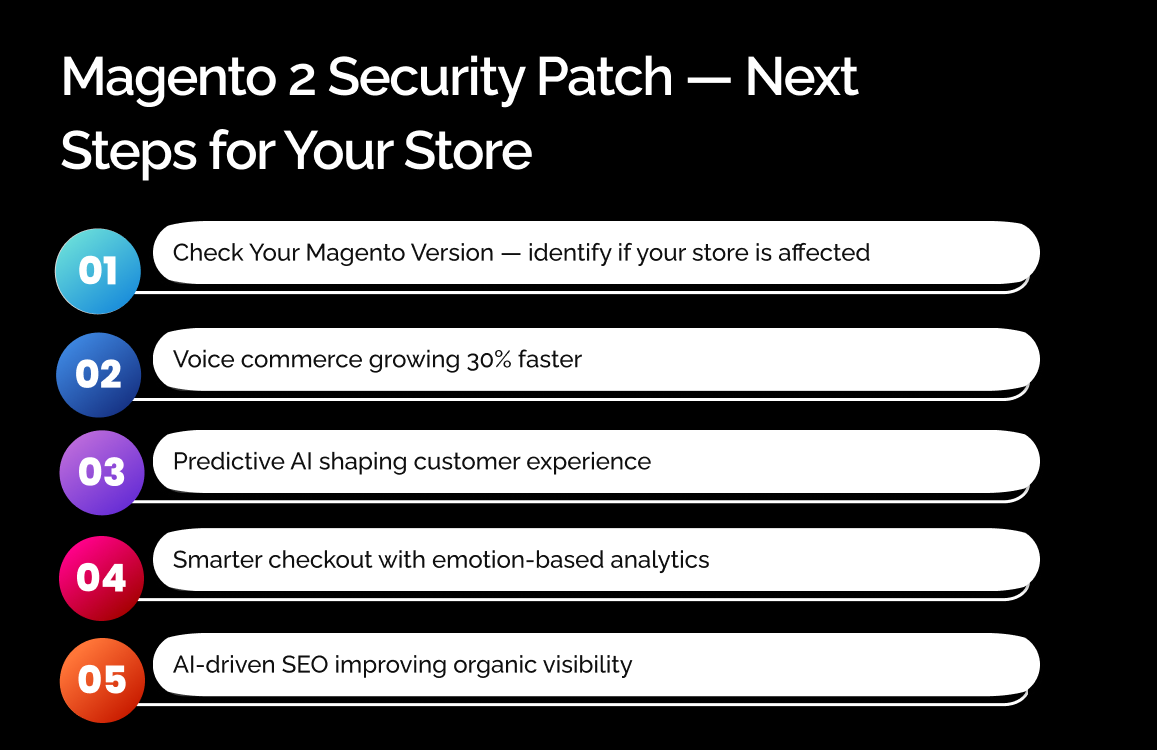
Why This Magento 2 Security Update Matters Right Now
Magento security patches aren’t random updates. They exist because real vulnerabilities were discovered. When Adobe releases a security update:
- The weakness becomes public
- Exploit methods spread fast
- Automated attacks begin scanning stores
Most breaches don’t happen because stores are old. They happen because stores are unpatched.
What Is the Latest Magento 2 Security Patch?
The latest Magento 2 security patch is part of Adobe’s ongoing effort to fix critical vulnerabilities across both Magento Open Source and Adobe Commerce.
These patches typically address serious issues like:
- Unauthorized access
- Data exposure
- Privilege escalation
- Code execution risks
This isn’t a cosmetic update. It directly affects store security and customer trust.
What Adobe Fixed in This Release
Without getting overly technical, this patch fixes:
- Known security vulnerabilities
- Entry points attackers actively target
- Weaknesses that can be exploited remotely
Once these vulnerabilities are disclosed, attackers don’t guess—they follow the patch notes.
Which Magento Versions Are Affected?
Affected versions usually include:
- Older Magento 2.x releases
- Stores missing recent patch levels
- Installations running custom or outdated extensions
If your store hasn’t been patched recently, there’s a strong chance it’s affected.
The Bigger Issue: Most Magento Stores Still Haven’t Patched
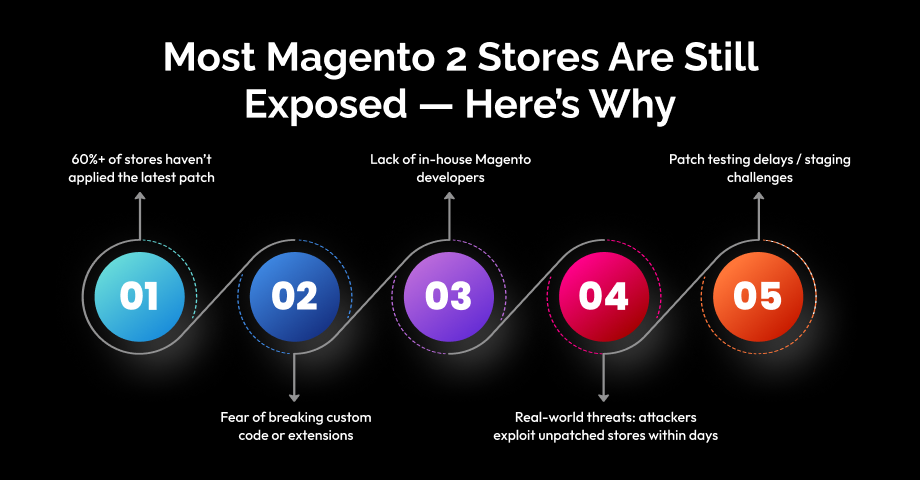
Here’s why store owners delay Magento security updates:
- Fear of breaking checkout
- Custom extensions complicate updates
- No staging environment
- “Everything seems fine” mindset
Unfortunately looking fine doesn’t mean being secure. Most hacked Magento stores were:
- Fully operational
- Generating orders
- Completely unaware of the risk
Security vulnerabilities don’t announce themselves.
What Happens If You Ignore This Security Patch
Ignoring a Magento 2 security patch is not a neutral decision. It actively increases risk.
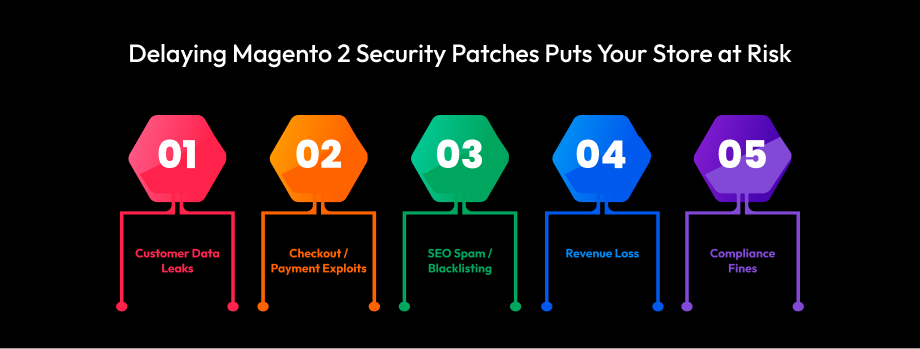
Customer Data & Account Security Risks
Unpatched vulnerabilities can lead to:
- Customer account takeovers
- Exposed personal data
- Password and session leaks
Once trust is broken, it’s very hard to recover.
Checkout, Payments & Revenue Exposure
Attackers often target:
- Checkout logic
- Payment flows
- Coupon abuse
- Fake orders or refunds
Even small exploits can cause:
- Revenue loss
- Chargebacks
- Payment provider issues
SEO, Compliance & Brand Damage
Security breaches can result in:
- SEO spam injections
- Google security warnings
- Search engine blacklisting
- GDPR or PCI compliance risks
Fixing damage always costs more than preventing it.
Frequently Asked Questions
What is the latest Magento 2 security patch about?
It fixes known vulnerabilities that could allow unauthorized access, data exposure, or system misuse if left unpatched.
Which Magento versions are affected by this security update?
Most older Magento 2 versions and stores missing recent patch levels may be affected. Always verify your exact version.
Can applying a Magento security patch break my store?
Yes, if done incorrectly. Custom code, themes, or extensions can conflict without proper testing.
How often should Magento security patches be applied?
As soon as they’re released. Delaying increases exposure to known exploits.
How can I check if my Magento store is secure?
Check patch levels, review admin access, monitor logs, and run security scans regularly.
Do I need a developer to apply Magento security updates?
For simple stores, maybe not. For custom or revenue-critical stores, expert help is strongly recommended.
What happens if a Magento store gets hacked?
It can lead to data loss, revenue damage, SEO penalties, and long-term trust issues.
